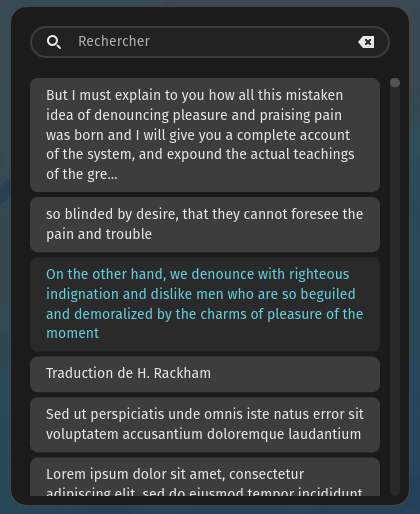
The goal is to make a simple yet fast clipboard history, with a focus on UX, rapidity and security.
There is a quick settings popup when you right click the icon.
The applet is available in the cosmic-store.
You also build from source. For this you need to install rust, just, and follow the the build instruction.
journalctl -p 3 -xb --user _EXE=/usr/bin/cosmic-ext-applet-clipboard-manager | less-p3 means priority error-xadd informationbmeans since last boot
# install
flatpak install --user clipboard-manager.flatpak
# run specific branch
flatpak run --branch=testing io.github.cosmic_utils.cosmic-ext-applet-clipboard-manager
# to be sure cosmic-panel will launch the wanted version
flatpak uninstall --user io.github.cosmic_utils.cosmic-ext-applet-clipboard-manager//master
# or verify the commit with
flatpak run io.github.cosmic_utils.cosmic-ext-applet-clipboard-manager -V
# uninstall testing repo and app
flatpak remote-delete --user cosmic-ext-applet-clipboard-manager-originInstructions are in this file.
See this file.