

This repo contains the files needed to build the Docker image for rbanffy/vm370.
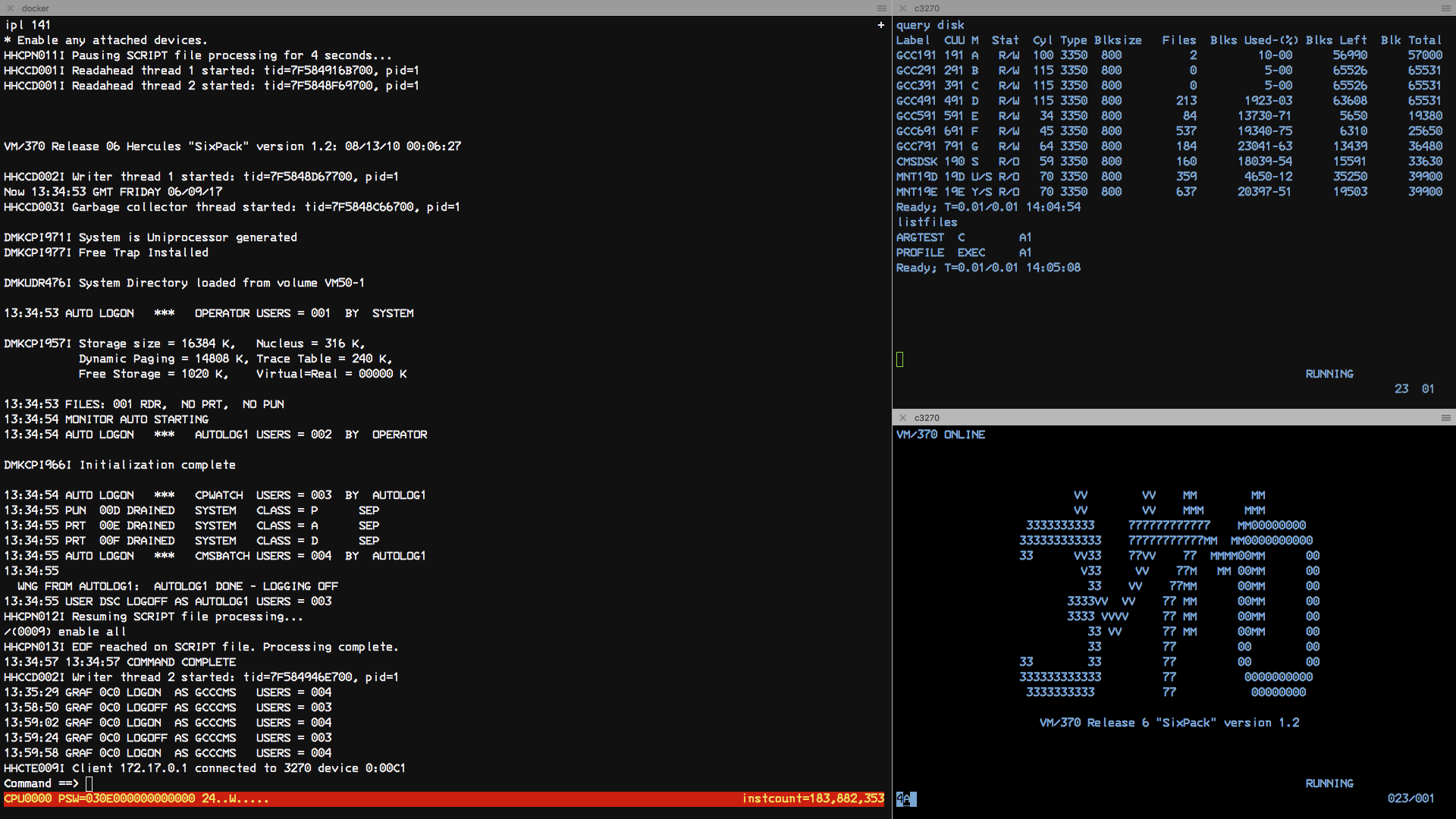
By default, we'll build the VM370 Six Pack image. To build it, run:
docker build -t vm370 .To run the image you just built on an amd64 computer, use:
docker run -it -p 3270:3270 -p 8081:8081 $USER/vm370:latest-amd64At this point, you can connect your terminals to localhost on port 3278. To get to the web console, connect to http://localhost:8081 using the credentials for the MAINT user (as published in the Sixpack documentation).
By default we'll build based on Dockerfile-vm370. To select other Dockerfiles, set the variable OPERATING_SYSTEM.
OPERATING_SYSTEM=vm370ce make buildBy default we'll build for all supported architectures (amd64, armv6, armv7, arm64, s390x, ppc64le). To build (or upload) only some of them, set the variable ARCH to a space-separated list.
ARCH=amd64 make build
ARCH="amd64 arm64" make buildTo run the VM370 Six Pack image without building it locally, use:
docker run -it -p 3270:3270 -p 8081:8081 rbanffy/vm370MVS Tk4- uses port 8038 for the web console:
docker run -it -p 3270:3270 -p 8038:8038 rbanffy/mvstk4This image is intended to run as a service on a cluster. To create a vm370 service on your cluster, run:
docker service create --name vm370 --publish 3270:3270 --publish 8081:8081 rbanffy/vm370When the service is up and running, connecting a 3270 session to any node will get you to the VM370 welcome screen.
The web-based Hercules console is not working properly for the VM370 images at the moment, but works correctly with MVS 3.8 Tk4- on port 8038.
A more serious issue is that data is not persisted beyond the life of the container, or when the workload is moved to a new node. Use it at your own peril (and, if you know how, help improving it).
These are VM/370 systems with numerous improvements, fixes, and extras. VM370ce is newer and has more functionality.
Both come preconfigured with multiple users:
| Userid | Description | Password |
|---|---|---|
| CMSUSER | Normal user | CMSUSER |
| MAINT | Maintenance user | CPCMS |
| OPERATOR | Operator user | OPERATOR |
The user MAINT can see the other users in the USERS DIRECT file.
This is an MVS 3.8j (the last version of MVS that can be legally deployed without a license - and an actual mainframe), with numerous improvements, fixes, and extras.
It comes with some preconfigured users:
| Userid | Description | Password |
|---|---|---|
| HERC01 | Fully Authorized | CUL8TR |
| HERC02 | Fully Authorized | CUL8TR |
| HERC03 | Standard user | PASS4U |
| HERC04 | Standard user | PASS4U |
| IBMUSER | Emergency user | IBMPASS |